Valor Mortis Missing Boss Achievements and Chapter Recovery Guide
Recover missing boss achievements after the October 27 patch and diagnose Quarry, mine-cart, and chapter progression problems without losing your save.
By Valor Mortis Guide editorial team · Last updated
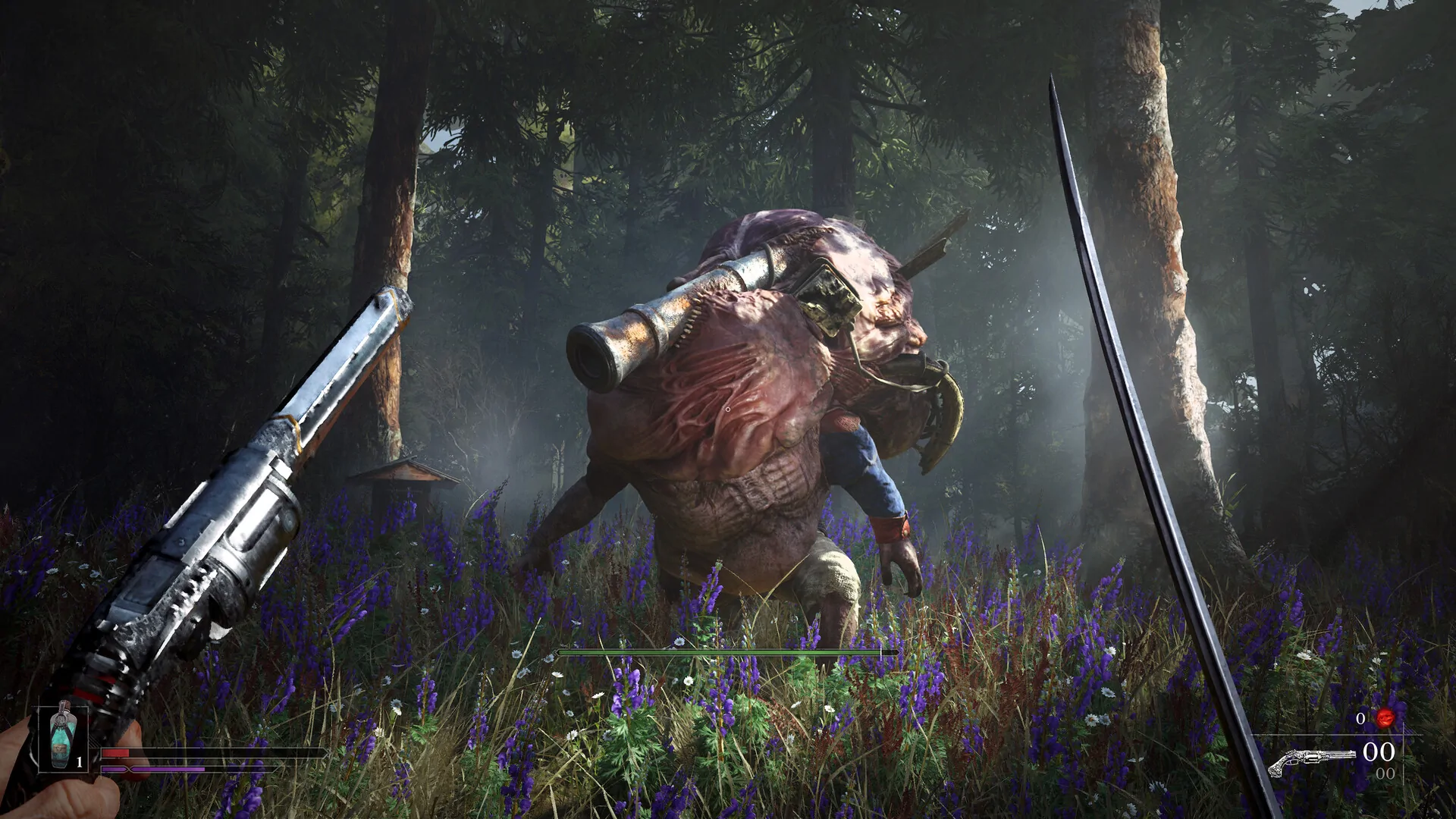
A boss dies at the same moment as William, the fight ends, and the achievement never arrives. The October 27 Valor Mortis update directly addresses this edge case: affected achievements or trophies should unlock when pressing Continue from the main menu. The same update also repairs several progression problems. This guide organizes those fixes into a careful recovery sequence so you can distinguish a missing reward from a blocked chapter, preserve your progress, and avoid restarting a campaign unnecessarily.
Separate a missing achievement from a progression block
First record what actually happened. Did the boss disappear, did the player die, did the game return you to a checkpoint, and can you move onward? A missing platform notification alone does not establish that the fight failed to register. Check the achievement list as well as the game state. If the next area is accessible, your immediate problem may be reward synchronization rather than a broken chapter. Avoid repeating a long fight before trying the specific recovery step introduced by the update.
If a door remains closed or an objective refuses to advance, treat that as a different symptom. Note the chapter, boss name, location, and last completed objective. Record whether death and the killing blow happened together. The Halloween patch includes additional boss progression fixes for simultaneous deaths, while the earlier October 21 patch also targeted this category. That overlap makes it especially important to confirm that your installation is current before assuming an older workaround is still necessary.
Install the patch, then use Continue
Finish the Steam update with the game closed. When you launch again, return to the main menu and select Continue on the affected campaign. This is the documented trigger for the missing-achievement edge case; merely standing near the old boss arena is not the same test. Allow the save to load, then inspect the relevant achievement or trophy list. Record the result even if no notification appears, since notifications and the underlying unlocked state are separate things to check.
If the achievement remains locked, quit normally and preserve your save before further experiments. Do not delete progression files, start a new campaign over the same slot, or download a random completed save to force the reward. The fix is aimed at a particular situation, not every possible missing achievement. A report that identifies the boss, simultaneous-death sequence, current build, and outcome after Continue gives support enough context to distinguish an unresolved edge case from a different condition.
Recover carefully from the Quarry tower issue
The Halloween notes identify a Chapter 2 issue in The Quarry where players could become stuck while trying to mantle onto the tower. If that matches your situation, update first and approach from a normal playable position. Attempt the intended movement once, observe where it fails, and note whether you can return to a safe surface. Do not turn repeated collision failures into an assumed secret route. A tower that can be reached in an old clip may still have required a different game state or approach.
If you are already trapped, use the normal reload or Continue behavior rather than repeatedly jumping deeper into the obstruction. Keep a record of your last safe checkpoint. The patch also fixes a Chapter 2 respawn position associated with knocking out a platform while standing on it and then falling indefinitely. These are related chapter problems but distinct triggers. Describe which one occurred; a tower mantle failure and a repeated falling respawn require different reproduction details, even if both happen in Chapter 2.
Check Chapter 4 mine-cart progress after a normal reload
Another October 27 fix concerns the mine cart not saving correctly when the Chapter 4 sequence finishes. If you have completed that sequence, let any visible save activity finish before leaving. Then use a normal quit and Continue to check whether the expected progress persists. This is a verification procedure, not a claim that the patch reconstructs every already-damaged save. Write down whether the cart sequence repeats, the objective resets, or the player returns to an unexpected location.
Avoid stacking several recovery attempts without checking the result between them. If you replay a sequence, then fast travel, then change a save file, you may erase the information needed to understand the original issue. A short log with the chapter, endpoint, quit method, and loaded position is enough. If the problem repeats on the current build, preserve that example for support and pause before investing more time in the same sequence. Repetition alone does not guarantee the save state will repair itself.
Handle Chapter 5 dialogue and travel separately
The update repairs a Chapter 5 issue where voiceover and subtitles could break if fast travel happened at the wrong time. Missing speech or text does not automatically mean the campaign is blocked. Check whether the objective remains active and whether ordinary movement and interaction still work. If a scene is playing, let it finish before initiating another transition. That is a sensible way to keep a test readable, rather than a newly claimed rule about every fast-travel point.
If dialogue is still missing, note whether the problem affects one scene or all subsequent conversations. Record the fast-travel origin and destination, the objective, and whether subtitles were enabled before the transition. Compare after a normal restart only if doing so will not overwrite a valuable diagnostic state. Do not infer an alternate ending, hidden quest failure, or deliberate silence from a broken audio sequence. The patch explicitly identifies an implementation issue, so investigate it as such before changing narrative decisions.
Revisit side-quest locations when the journal does not update
The October 21 notes provide an important qualification for side-quest fixes: players must return to the relevant location to start or complete the affected quests. Journal entries do not necessarily appear or resolve automatically after installing the patch. Sleeping Beauty, Misericorde, and In the Name of Art are specifically listed. If one of these is the problem, revisit its existing quest location and inspect the relevant interaction rather than waiting in a different chapter for a journal refresh.
Keep this advice narrow. It does not reveal an unpublished route, guarantee every quest is recoverable from any save, or replace the quest’s normal requirements. If the letter or starting interaction remains absent, document the current journal text and your character’s position. A screenshot of the location and objective is more useful than a general complaint that quests are broken. Avoid advancing the campaign only to test whether the entry will appear later when you already have a reproducible example at hand.
Escalate a persistent block without sacrificing the campaign
The October 21 announcement says the support team can provide replacement saves at each chapter for progression soft locks. Use the game’s official support channel and describe your platform, chapter, last functioning checkpoint, and the exact trigger. Ask what state a replacement save represents before using it. A chapter save may not preserve the precise inventory, side quests, upgrades, or choices of your personal run. Back up your own data using the platform’s supported procedure before replacing anything.
Keep achievement recovery and save replacement as separate decisions. Pressing Continue is a targeted first step for the documented missing-boss-reward case; a replacement save is a later option for a persistent campaign block. Neither requires trusting an unofficial save editor or disabling platform protections. Once a fix works, verify the next objective and one ordinary reload before resuming a long session. That final check makes sure your recovered progress is actually persistent, rather than only appearing correct until the next launch.
Read the October combat patch guide and full-game guides for related help.