Combat update reference: October 21 and Halloween changes
A hands-on method for the October Valor Mortis patch: enemy hitboxes, damage windows, Risen Duelist, Eternal Guardsman, Howler, and clearer windups.
By Valor Mortis Guide editorial team · Last updated
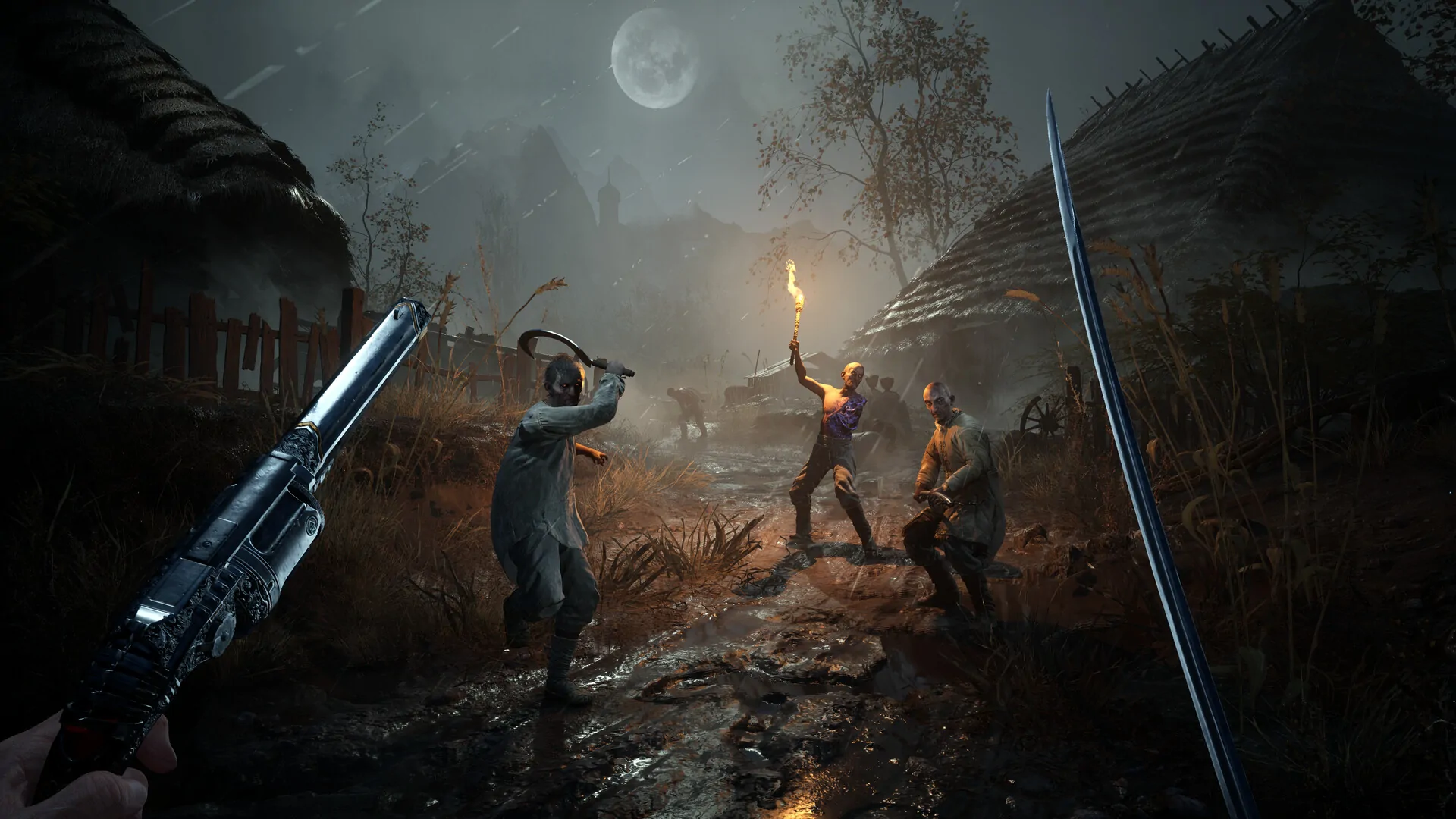
The October 21 Valor Mortis combat patch adjusted enemy and boss hitboxes to better match their animations, tuned damage windows for attacks including those used by the Risen Duelist, Eternal Guardsman, and Howler, and improved the readability of two Risen Sapeur and Risen Lancer attacks. The goal is to make combat feedback more consistent. This guide explains how to test those changes without assuming every hitbox or timing value was replaced.
What the patch actually changes
The notes describe three separate combat goals. First, several enemy attack hitboxes were adjusted to better match the attack animations, addressing cases where a player felt hit despite the visible swing appearing to miss. Second, damage windows were tuned for a number of enemy attacks, including the Risen Duelist, Eternal Guardsman, and Howler. Third, the windups for the Risen Sapeur’s push attack and Risen Lancer’s unblockable red attack were made more readable.
These statements do not give frame counts, exact collision dimensions, or a universal parry window. They also do not say that every enemy attack now aligns perfectly with every camera angle. Use the notes as a test map: look at the listed enemies and attack types first, then compare your experience after confirming the update is installed. If a different enemy still seems inconsistent, describe it separately rather than extending the patch claim to the whole roster.
Read the Risen Duelist and Eternal Guardsman separately
The Risen Duelist and Eternal Guardsman are both named in the update’s damage-window adjustments, but they should not be treated as the same fight. Identify the exact attack that connects, then watch for the start and end of its active motion. Try one defensive response at a time. A dodge can evade the attack path, while a parry requires matching the game’s timing and may have a different consequence. If you use a counterattack, separate the counter result from whether the incoming hit registered.
For the Eternal Guardsman, do not assume a long weapon has the same reach as its animation suggests. Test at a range where the complete weapon arc is visible and repeat from the same floor position. For the Duelist, note whether a thrust or close-range motion is involved. The update mentions damage-window tuning, not a new enemy move set or reduced overall difficulty. A successful retest should show whether the specific attack now reads and resolves more consistently under the same conditions.
Use the Howler as a separate timing check
The Howler is also included among attacks whose damage windows were tuned. Identify the exact Howler move before judging the patch. If the enemy chains actions, do not count the entire sequence as one attack: mark the windup, active portion, recovery, and your own input separately. This helps explain whether you were hit during the intended active frames or while the animation was already ending.
Repeat the test more than once. One attempt can be affected by camera distance, terrain, stamina, or a different enemy state. If a hit occurs only near a wall, move to open ground and compare. If it occurs only after another move, reproduce that sequence. Preserve the unsuccessful attempt in your notes rather than reporting only the successful dodge. The point of a patch check is to describe the behavior that can be reproduced, not to claim the enemy is solved after one clean run.
Recognize the Risen Sapeur push windup
The update specifically improves the readability of the Risen Sapeur’s push attack windup. Approach the enemy with enough space to observe its upper body and weapon, then allow the push to begin before you commit to a dodge or interrupt. If you rush into the enemy’s range, you may obscure the windup or trigger another attack and lose the opportunity to assess the change.
Test at a stable distance and compare the cue with the moment damage becomes possible. A clearer windup should help you make a more informed response; it does not guarantee that every player will react in time or that the attack can be interrupted. If the enemy is against a wall, on uneven terrain, or partly off screen, repeat in a clearer position. Good visibility is part of a fair comparison because camera obstruction can make a readable animation appear unclear.
Respect the Risen Lancer’s red unblockable attack
The notes call out the Risen Lancer’s red attack as unblockable and say its windup readability was improved. Treat the red indicator as a warning to choose an appropriate response, not as a cue to block harder. First confirm the attack identity, then practice moving out of its path or using the defensive option the current game allows. Do not assume the red visual means that every nearby move is the same attack.
To evaluate the cue, face the Lancer from a repeatable distance and keep the camera clear. Note when the warning appears relative to the animation and how much time you have to move. If terrain blocks the exit path, record that as a positioning problem rather than a reaction failure. A useful combat route leaves room to evade before engaging. The patch improved the windup’s readability; it did not state that the attack was removed, made blockable, or given a specific extra number of frames.
Separate hitbox feedback from camera and terrain problems
A hit that looks visually wrong may come from the attack collision, camera perspective, character movement, or a nearby obstacle. Test in open space first. Then, if the issue appears only around a pillar, stair, or wall, repeat the attack in that terrain and record the difference. Do not combine a changed camera distance with a changed dodge direction in the same trial. If you cannot see the full weapon arc, you cannot reliably compare its apparent reach.
When an attack still connects unexpectedly, save the encounter name, enemy move, platform, game version, and direction of movement. Add whether the hit caused damage, stagger, or a status effect. This vocabulary is more precise than saying an attack “ignored” your dodge. The patch goal was animation-to-hitbox alignment and more useful damage timing; a report that identifies a repeatable mismatch gives the team and other players actionable evidence.
Halloween update: new critical attacks and cosmetic skins
The October 27 Halloween announcement added weapon skins for melee and ranged weapons and new critical attacks for the Rapier and Saber. The developer said players receive the content after installing the update. This is an update-content statement, not a claim that a skin raises damage or that a new animation guarantees a longer safe follow-up. Inspect the installed build before comparing a clip recorded earlier in October.
Use the Rapier and Saber practice guide for commitment during an actual opening. Separate a new presentation from an enemy’s remaining ability to act. The announcement does not publish animation frame counts or a numerical damage comparison, so this reference supplies neither.
The same update included several named boss bug fixes: Stasis persisting on the Orphan, Raphael stopping his attacks after a precisely timed Rapier-heavy stagger, Entity shield positioning and a Bride teleport interaction. These are specific historical symptoms. A boss standing still in an old clip may reflect a fixed issue rather than a strategy you can reproduce. Do not base your practice on deliberately forcing that behavior.
Choose the reference that matches your symptom
| Symptom after an update | Next reference | Limit of the patch claim |
|---|---|---|
| A critical attack feels different | Weapon practice | No universal safety or frame-count guarantee |
| PC frame-time hitching | PC diagnosis | Reported improvement is not our benchmark |
| Missing boss achievement after simultaneous death | Boss and chapter recovery | The stated Continue recovery concerns a particular edge case |
| A chapter interaction will not resume | Progression and recovery | A fixed save sequence does not promise every old save is repaired |
The developer also mentioned shader-cache recreation for PC stuttering and a Continue-menu recovery for some simultaneous-boss-death achievements. Those recovery instructions need context and save-preservation limits; the linked references keep those details separate from combat learning. This reference does not turn them into routine steps every player should perform.